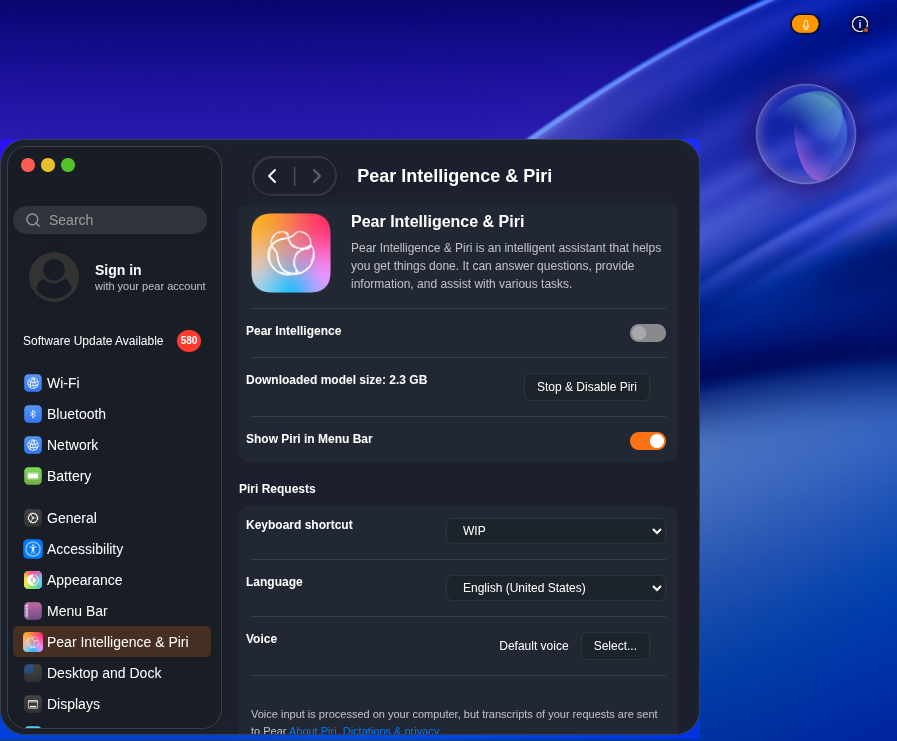
Piri — AI-style voice assistant
Version 26.1 introduces Piri, a voice assistant that feels like AI (it's not a real AI model). Use it for quick commands and a more natural way to interact with your system.
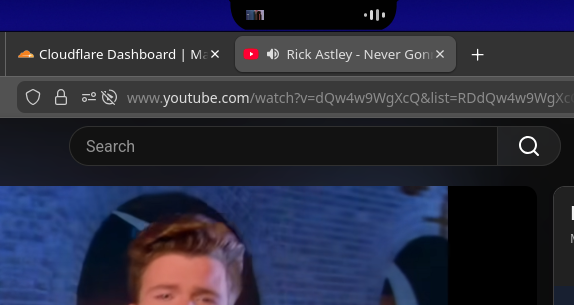
Pafari brings an experience almost identical to the original Safari. Fast, clean, and familiar — browse the way you expect on a Mac-like desktop.
We've moved from X11 to Wayland for better security, smoother performance, and a modern display stack.
A brand-new Control Center puts settings and customization in one clear, easy-to-use place.
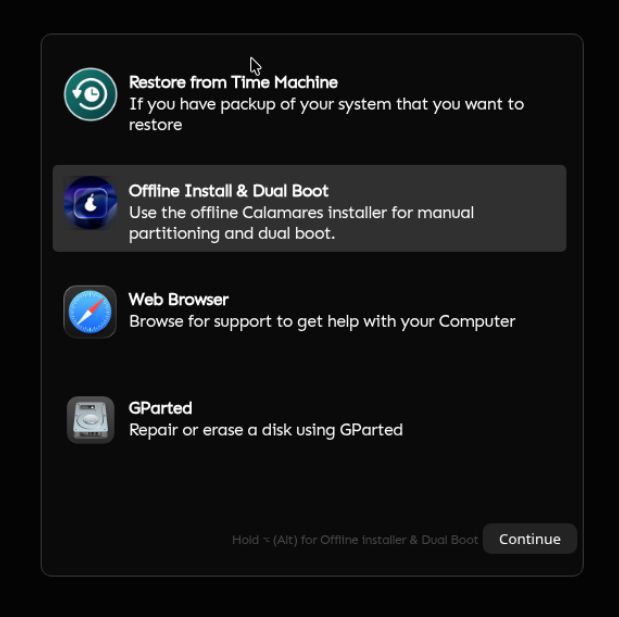
Installing pearOS is simpler and more reliable thanks to our new installer.
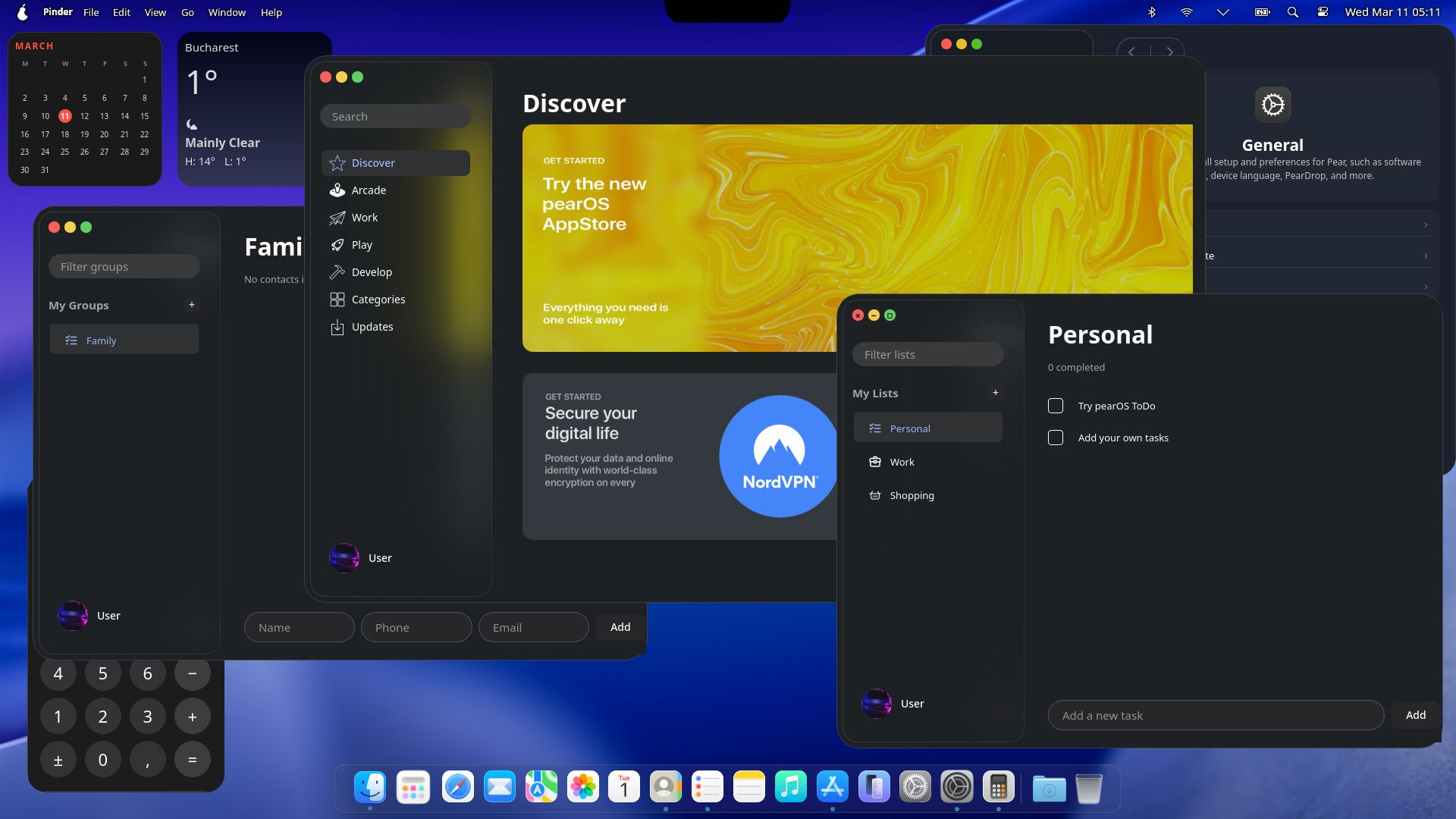
The Dock has been fully redesigned for a cleaner look and smoother behavior. Your apps, right where you expect them.
Launchpad is redesigned in the spirit of Tahoe — a full-screen app launcher that feels native and fluid.
The Downloads folder now has a distinctive arc effect, making it easy to spot and adding a touch of polish to the desktop.
Smoother animations, clearer feedback, and a more consistent feel across the system.
When you're on camera, use your screen as a ring light in low-light conditions. Get a soft, even glow so you always look your best on video calls.
Stay aware of what's in use: orange when the microphone is active, green when the camera is on, and red when the screen is being recorded. Simple, visible privacy indicators.
New panels in Settings: configure your trackpad (gestures, speed, tapping), and tune Piri (voice assistant behavior and preferences) — all in one place.
Liquid Gel gets a big focus in 26.1. We've doubled down on the fluid, cohesive look and feel so your desktop feels more alive and unified.